30-second trick: Find the code your page never runs.The Coverage panel in Chrome DevTools marks every byte of script and stylesheet as used or unused while you load and use the page.Try it now: Click through the page's main task, then sort by unused bytes. Split or defer the biggest file that stays mostly red.How a public-page review works, step by step: carlosandmunoz.com/qa-review-guide.html#WebPerformance #Programming #OpenSource #QA #DevTools #QAlab
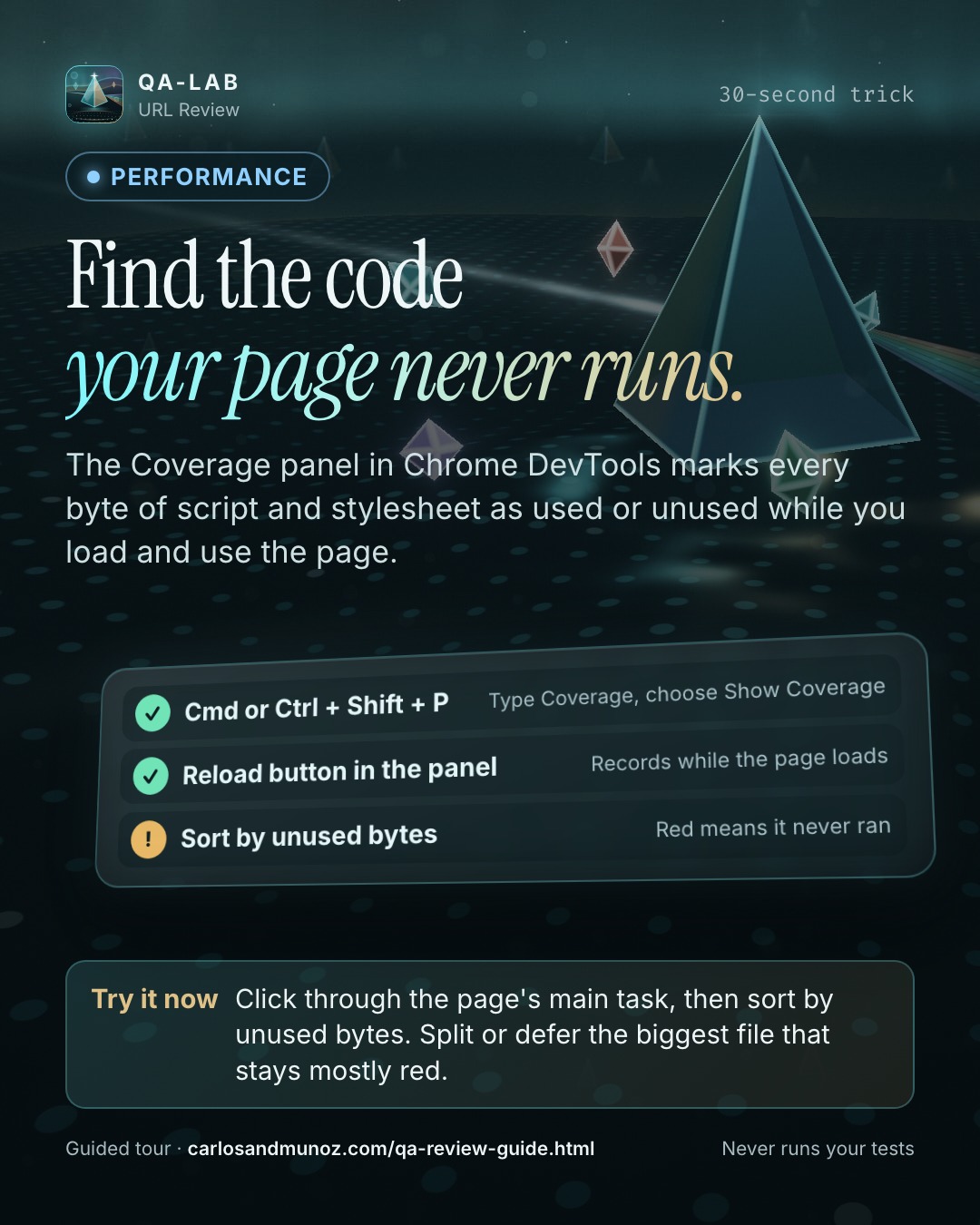
30-second trick: Find the code your page never runs.

The Coverage panel in Chrome DevTools marks every byte of script and stylesheet as used or unused while you load and use the page.

Try it now: Click through the page's main task, then sort by unused bytes. Split or defer the biggest file that stays mostly red.

How a public-page review works, step by step: https://carlosandmunoz.com/qa-review-guide.html?utm_source=linkedin&utm_medium=social&utm_campaign=evergreen-2026-11&utm_content=coverage

#WebPerformance #Programming #OpenSource #QA #DevTools #QAlab
X
Find the code your page never runs.

Click through the page's main task, then sort by unused bytes. Split or defer the biggest file that stays mostly red.

carlosandmunoz.com/qa-review-guide?utm_source=x&utm_medium=social&utm_campaign=evergreen-2026-11&utm_content=coverage
#QAlab
Instagram
30-second trick: Find the code your page never runs.

The Coverage panel in Chrome DevTools marks every byte of script and stylesheet as used or unused while you load and use the page.

Try it now: Click through the page's main task, then sort by unused bytes. Split or defer the biggest file that stays mostly red.

#WebPerformance #QA #DevTools #JavaScript #QAlab
Facebook
30-second trick: Find the code your page never runs.

The Coverage panel in Chrome DevTools marks every byte of script and stylesheet as used or unused while you load and use the page.

Try it now: Click through the page's main task, then sort by unused bytes. Split or defer the biggest file that stays mostly red.

https://carlosandmunoz.com/qa-review-guide.html?utm_source=facebook&utm_medium=social&utm_campaign=evergreen-2026-11&utm_content=coverage

#WebPerformance #OpenSource #QA #QAlab
TikTok
Finden Sie den Code, den Ihre Seite nie ausführt. Klicken Sie sich durch die Hauptaufgabe der Seite und sortieren Sie dann nach ungenutzten Bytes. Teilen oder verzögern Sie die größte Datei, die überwiegend rot bleibt. #WebPerformance #Programming #OpenSource #QA #DevTools #JavaScript #Ladezeit #QAlab
YouTube
Das Coverage-Panel in den Chrome DevTools markiert jedes Byte von Skripten und Stylesheets als genutzt oder ungenutzt, während Sie die Seite laden und bedienen.

Jetzt testen: Klicken Sie sich durch die Hauptaufgabe der Seite und sortieren Sie dann nach ungenutzten Bytes. Teilen oder verzögern Sie die größte Datei, die überwiegend rot bleibt.

Leitfaden: https://carlosandmunoz.com/qa-review-guide.html?utm_source=youtube&utm_medium=social&utm_campaign=evergreen-2026-11&utm_content=coverage

30-Sekunden-Trick · QA-lab URL Review

#WebPerformance #SoftwareTesting #Programming #QA #DevTools #JavaScript #Ladezeit #Webentwicklung #LearnOnYouTube #TechTips #WebPerf #QAlab